
Main features of the ComplexQA service
Everything ComplexQA does today, group by group: test documentation, execution, defects, environment context, documents, and utilities in one workspace.
Test documentation
Projects, suites, cases, runs, and the shared data around them. One structure for everything a manual QA team writes down, executes, and keeps for the next release.
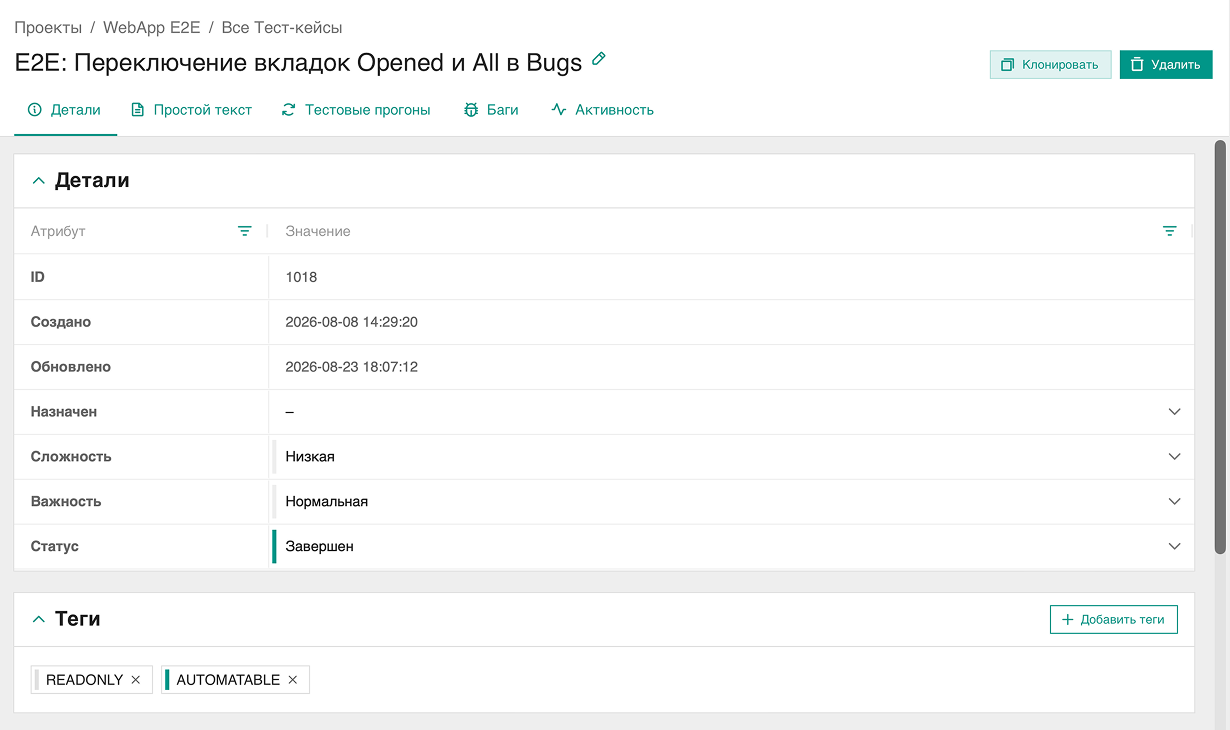
Structure and cases
- Projects with open and closed status, suites nested to any depth
- Steps and presteps, each with its own expected result
- Status, complexity, and importance on every case
- Clone a suite with its cases, or a case with its steps
Runs and results
- A run copies all project cases or a selected list
- Result statuses: passed, failed, skipped, blocked, retest, pending
- Assignment on runs, cases, and results feeds the Tasks view
Test assets
- Execution context: browser, OS, and device axes, host, base URL, build version
- Test accounts: resource, login, password, description
- Tag catalog for every entity, up to 10 tags per element
Documents and editor
- Folder tree with draft, published, and archived states
- WYSIWYG editor on CKEditor 4, up to 20 images per document
- Version history keeps the last 15 saves
- Public read-only links and a public catalog
Utils
Automated operations that run inside a project and store their artifacts next to the test results, separate from manual runs.
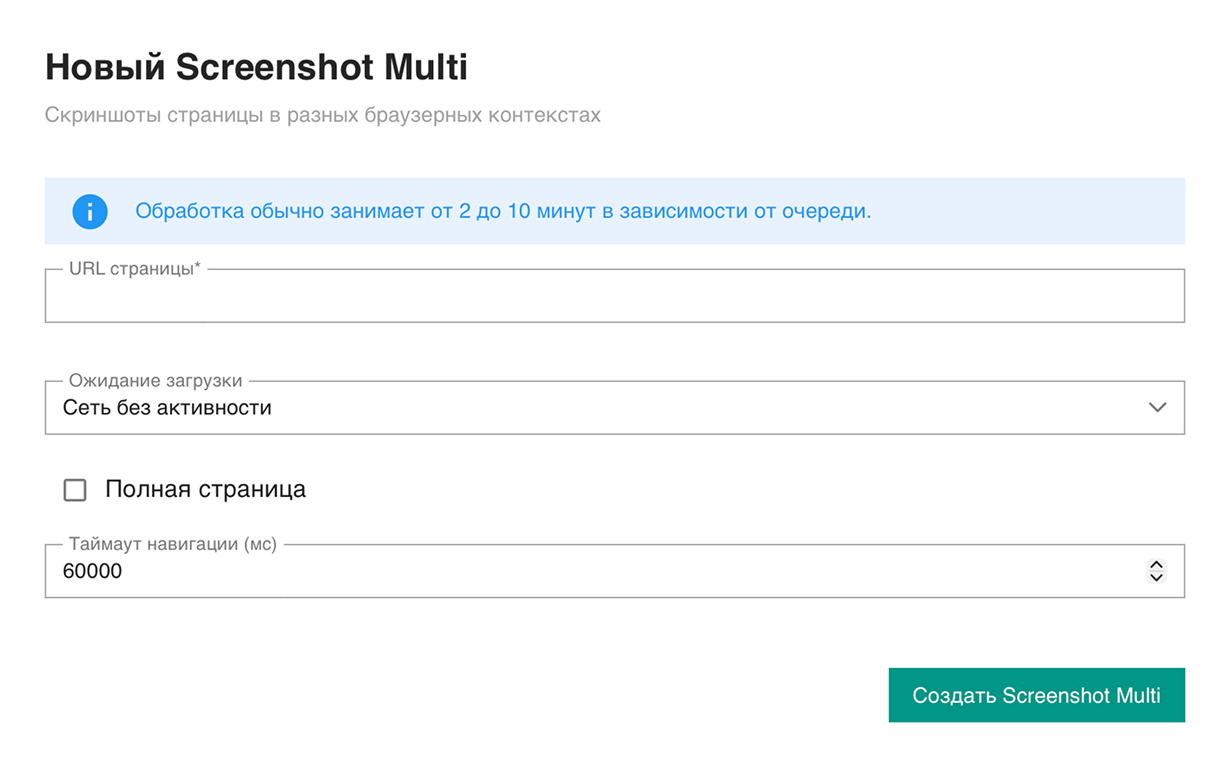
Screenshot Multi
- One page captured across a browser and resolution matrix
- Screenshots kept in the file service with short-lived preview links
URL inspect
- DNS, TLS, and HTTP checks on a verified team domain
- Browser pass with per-viewport findings
Every util run
- Listing with status: pending, queued, completed, failed, submit failed
- Details with parameters, artifacts, and an event log
- Started by a named team member, with created and completed timestamps
Team management
A team is an isolated workspace on its own subdomain. Members, roles, domains, and the change journal are managed in one place.
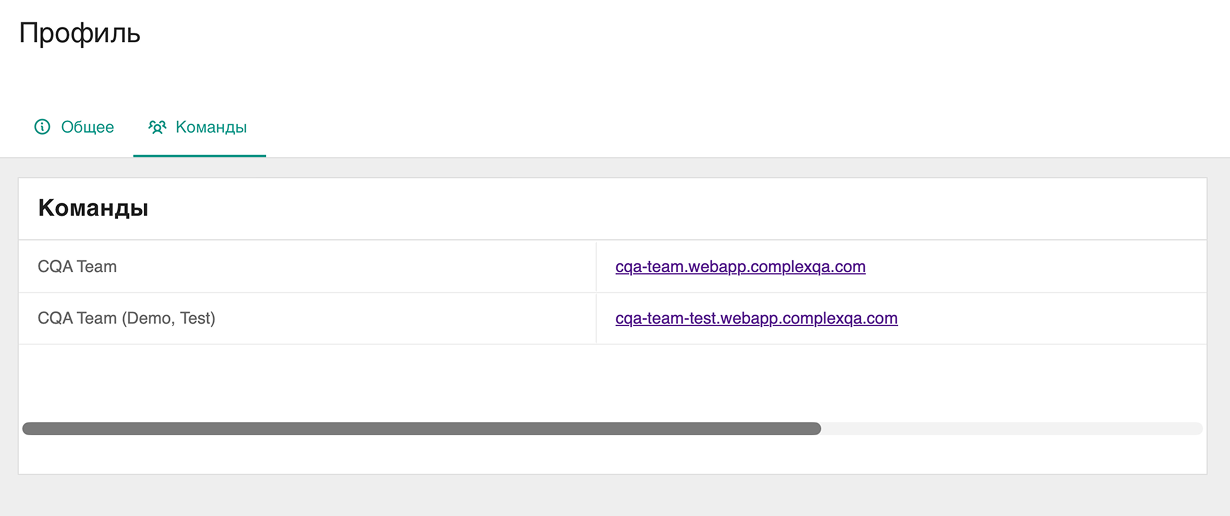
Members and roles
- Roles: administrator, member, read-only
- Membership statuses: pending, accepted, banned, rejected
- Team types: personal, organization, school
Team settings
- Own subdomain: team-slug.webapp.complexqa.com
- Verified team domains, required for URL inspect
- Custom properties defined once for the whole team
Activity
- Change journal for the team and each of its projects
- Who created, updated, or deleted an entity, and when
Bug tracker
Defects live in the same project as the tests that found them. No second product, no required external integration, and no copying context by hand.
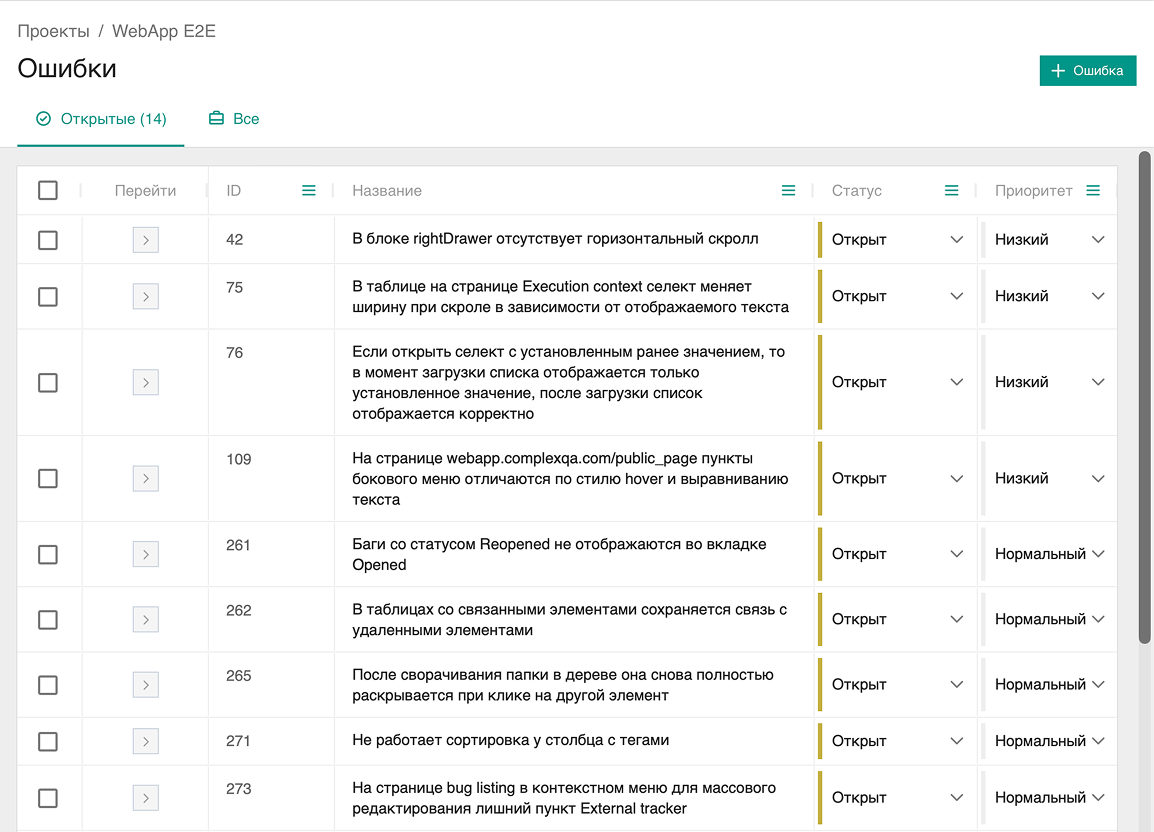
The bug card
- Status and resolution kept as separate fields
- Priority and severity tracked independently
- Reproduction steps, expected and actual result
- Build, affected, and fixed versions
Links
- To test cases, test run results, and execution context
- Duplicate references between bugs
In the workflow
- Assignment feeds the Tasks view for each member
- Tags and custom properties on the bug card
AI assist
Import of manual test cases from JSON that you got from your own model. ComplexQA does not host or run a model: the prompt is the JSON format only, not a product specification.
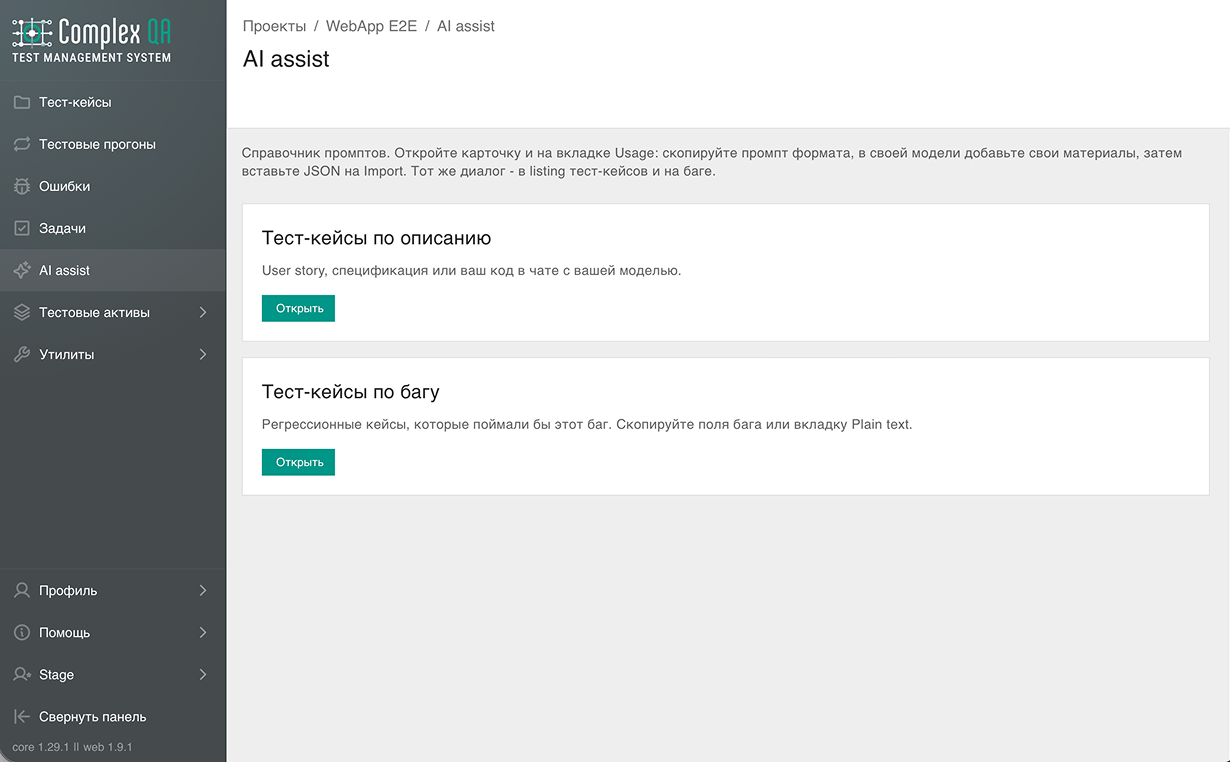
Prompt cards
- Test cases from a description: user story, specification, or your own code in the chat with your model
- Test cases from a bug: regression cases that would have caught this bug; copy from the Plain text tab
- Same dialog from the project menu, the case listing, or a bug page
JSON import
- Copy the prompt, paste your materials in the same chat, get a JSON array back with no markdown and no commentary
- Check JSON before create: item number, title, field path, and what to fix
- Valid cases can be created even if some items fail; at most 50 cases per import
Created cases
- Status PENDING and tag AI_GENERATED in the current project
- From a suite listing, cases go into that suite; from a bug page, each case is linked to that bug
- ComplexQA does not send your materials to a model
Formulario de contacto
Deje una solicitud y nos pondremos en contacto para hablar de las necesidades de su equipo.
Adaptación a sus tareas
No solo vendemos un producto listo: adaptamos la plataforma a procesos reales. Cuéntenos qué es importante para usted.
Demostración personal
Reserve una demostración de ComplexQA para usted y su equipo de QA.
Estamos abiertos al diálogo
¿Preguntas o ideas? Escríbanos a support@complexqa.com o rellene el formulario.